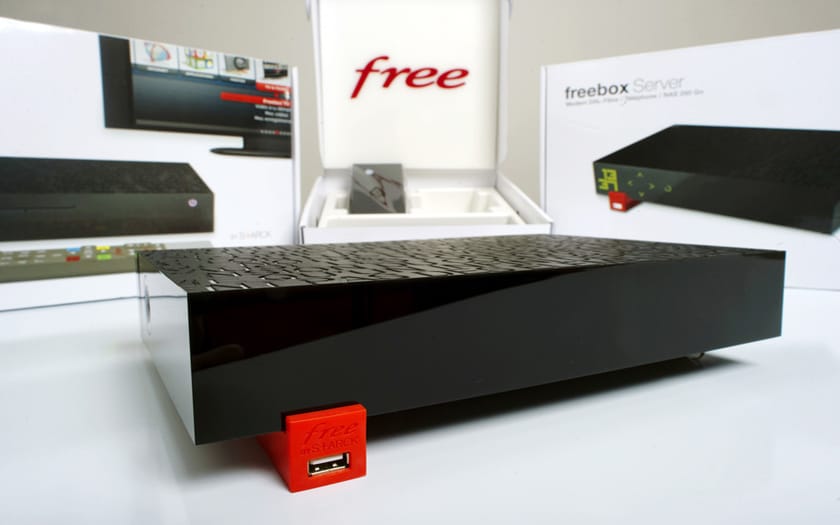
Always aiming to meet the needs of its customers for quality internet access, Free has launched its Freebox modem. The internet provider has set up a customer area that allows users to perform several operations from there. To access it, you must first log in to your Freebox account. Here’s how to proceed.
Reasons to log into your Freebox account
There are very good reasons to log into Freebox my account. Indeed, it is directly linked to your box. Logging into your account gives you access to the customer area. This area is divided into several sections: internet, my subscription, shop, television, and phone.
For example, by selecting the “my subscription” section, you can access a number of pieces of information. This may include your password, payment method, or even your bill. The “internet” section, on the other hand, provides information about your internet connection.
As for the “television” section, it gives you the opportunity to access all television services. Regarding the “phone” tab, it informs you about all telephony services. Thanks to the “shop” section, you can easily order various accessories that can be used with your free box.
How to log into your Freebox account?
The creation of a Freebox account essentially involves two fundamental elements. These are a Freebox identifier and a password. The identifier is part of the basic information sent to the user after registration. It consists of a series of numbers with the prefix fbx.
You can find it on the subscriber sheet that was provided to you with the Freebox after your registration. It may also be included in the confirmation email of your registration or appear on your monthly bill. Furthermore, to log in to your Freebox account, you must first access the Free homepage.
To do this, type “free” into a browser’s search bar. Once you access the relevant homepage, you will find an icon at the top right represented by a person next to the label subscriber area. Click on this label. The Freebox subscriber area login page will automatically display.
You will then need to enter your Freebox identifier as well as your password. After providing this information, click the “Log in” button to access your Freebox account.