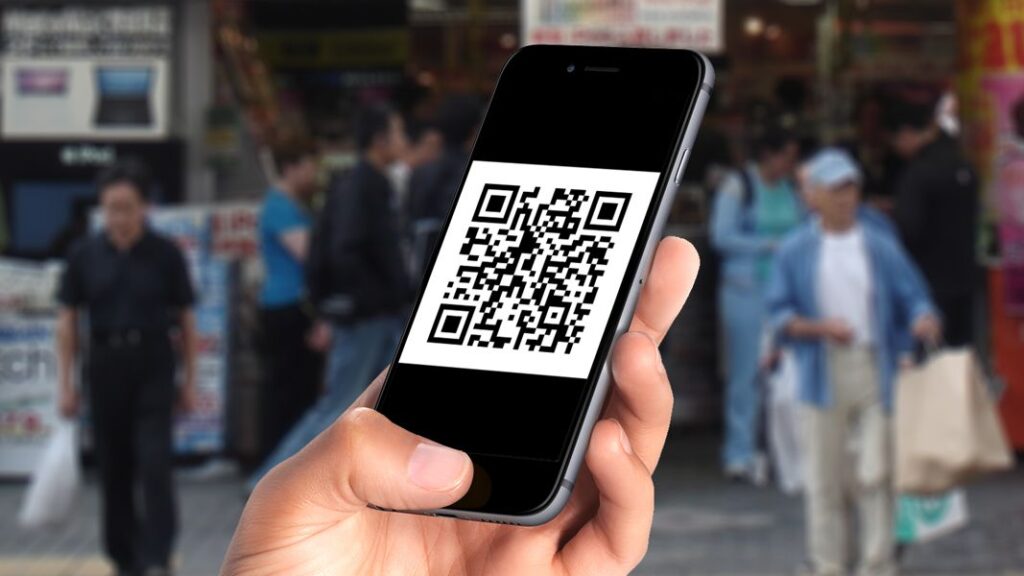
The barcode is the symbol made up of vertical bars, spaces, and data inscribed on an item. You will find it on food products, medications, packages, books, etc.
This unique code that conceals information about the product allows for the identification of each product even if they are the same. Manufacturer of products, store manager, or cashier, here are the steps to follow to create a barcode.
Registering your business with the GS1 organization
To learn how to generate a barcode, you must follow the various steps outlined below.
The first step is to register your business with GS1 France. This is the global reference organization for creating all types of barcodes.
To join this organization, simply visit their website. Once there, fill in the information that will be requested about your business and your professional activity.
Additionally, there is a varying amount to be paid for the validation of your registration, which is the membership fee. Subsequently, you will need to pay an annual subscription. These amounts depend on the turnover of each business.
Once these formalities are completed, the GS1 organization will issue you a prefix code for the identification of your business.
Choosing your type of barcode
Your choice of barcode type will depend on your needs. However, you should know that the type of barcode also depends on the location of your business.
Indeed, the barcode used in North America, the United Kingdom, New Zealand, and Australia is UPC. The EAN barcode is the most common type you will encounter and is primarily used in the following continents:
- Europe;
- Asia;
- Africa;
- Latin America.
In addition to these two types of barcodes, there are of course others, such as code 129 and code 128.
As for the EAN barcode, the most commonly used, it is represented by vertical lines with exactly 13 digits inscribed below. Additionally, you can also have an EAN barcode with 8 digits, for example. As mentioned, it depends on the needs of each business.
Using a barcode generator
You have obtained your company prefix. You have chosen your type of barcode based on the location of your business and your needs. The next step is the actual creation of your barcodes.
For this, you will need a barcode generator. These are indeed software or online programs. Some are paid, while others are free.
At this stage, your generator program will take care of assembling the correct order of the digits to create your barcode. However, it will be up to you to manually enter the information about your products afterward. The order of the 13-digit EAN barcode is as follows:
- the prefix of the country of origin of the product;
- the company prefix granted by GS1;
- the product number;
- and the check digit, represented by the last digit.
As for the check digit, it allows you to verify the validity of your barcode. After creating your barcodes, you will now choose the format in which you want them. The most recommended format is PNG format. Indeed, this format allows you to maintain the quality of their image.